

Description
Bloons TD Battles: Epic Multiplayer Tower Defense
Overview
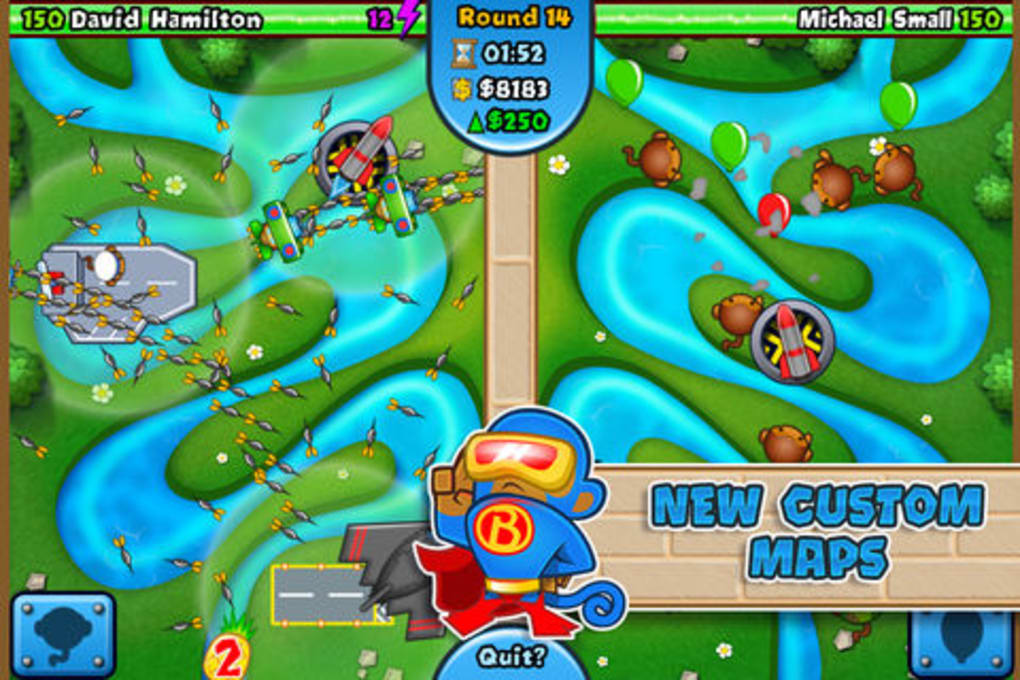
Bloons TD Battles delivers a dynamic and competitive take on the beloved tower defense genre, transforming the classic gameplay into a fast-paced, head-to-head multiplayer experience. Designed for fans of strategy and arcade action, the software enables players to pit their custom-built monkey towers against opponents in real-time combat. The core purpose is to provide an engaging, skill-based arena where tactical planning, tower selection, and strategic timing determine victory. This software appeals to casual gamers seeking lighthearted competition and strategy enthusiasts looking for depth in gameplay mechanics.
Players face off in multiple game modes, including Assault Mode, where they directly attack their opponent’s defenses, and Defensive Mode, which emphasizes resource management and long-term tower development. The Battle Arena Mode adds high-stakes tension, allowing players to wager medallions in intense one-on-one showdowns. The game’s focus on customization through Monkey Tower Boosts and Bloons Boosts enables diverse strategies, encouraging replayability and experimentation. Real-world usage scenarios include casual gaming sessions with friends, competitive play on weekly leaderboards, and private matches for social engagement.
Developed by Ninja Kiwi, a studio known for its popular browser-based games, Bloons TD Battles continues the legacy of the Bloons franchise with a desktop adaptation. The developer did not provide additional details about the development team or studio history beyond the known brand. The game is accessible on both Windows and Mac platforms, supporting cross-platform play. It is designed for users who enjoy real-time strategy, multiplayer interaction, and light competitive gaming in a visually engaging environment.
Key Features & Capabilities
- Multiplayer Real-Time Combat – Engage in live, head-to-head battles against other players, testing strategy and reflexes in dynamic gameplay.
- Multiple Game Modes – Choose from Assault Mode, Defensive Mode, and Battle Arena Mode, each offering distinct objectives and strategic depth.
- Customizable Tracks – Play across over 20 unique maps, each with varying terrain and layout to influence tower placement and pathing.
- Monkey Tower and Bloons Boosts – Enhance towers and bloons with special boosts that alter attack patterns, speed, and damage output.
- Progression and Rewards – Earn medallions, unlock new content, and claim prizes by climbing the weekly leaderboards.
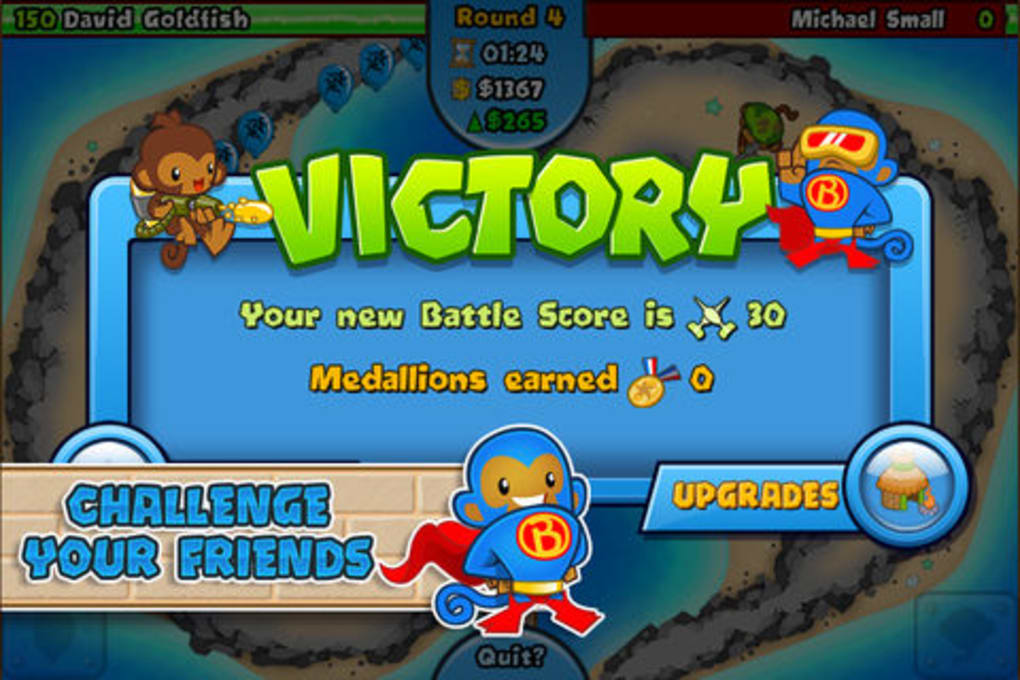
- Private Matches and Social Features – Challenge friends directly, track achievements, and maintain social engagement through in-game connectivity.
Each feature supports strategic variety and replayability. For example, Assault Mode encourages aggressive early-game tactics, while Defensive Mode rewards patience and long-term planning. The inclusion of customizable tracks ensures that no two matches feel identical. Boosts allow players to adapt their strategies on the fly, making each battle unique. The game’s progression system incentivizes consistent play through tangible rewards, fostering continued engagement. These capabilities make the software ideal for users who value both competitive edge and creative freedom in their gaming experience.
User Interface, Workflow & Performance
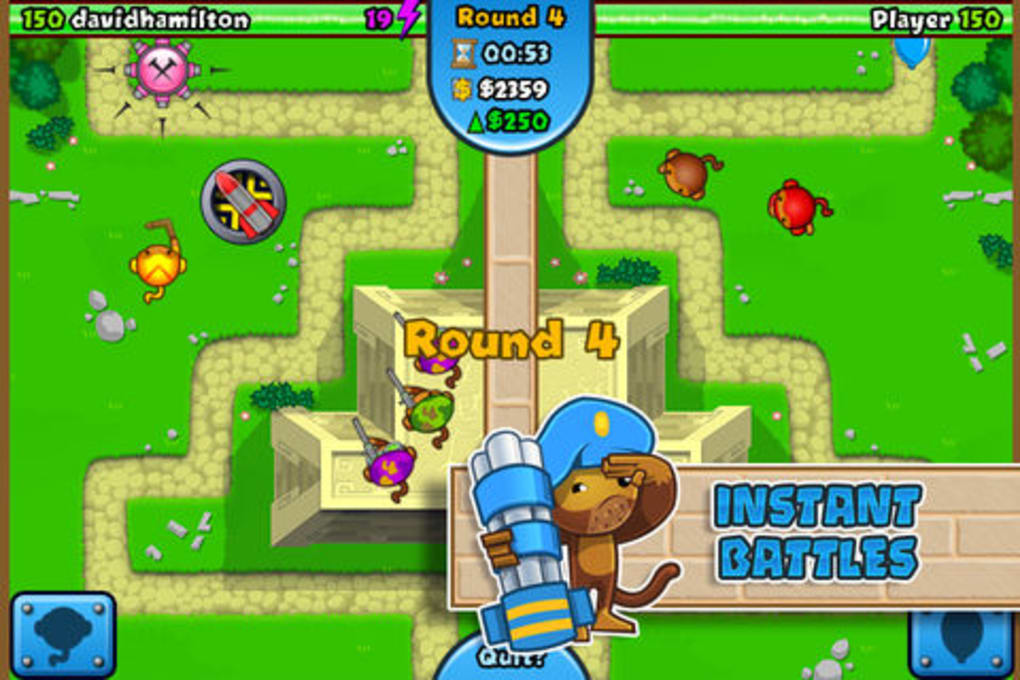
The user interface is designed with clarity and responsiveness in mind, featuring intuitive navigation and visual feedback during gameplay. The main menu provides quick access to game modes, friend lists, leaderboards, and settings. In-game, the HUD displays essential information such as health, income, and boost timers, ensuring players can make informed decisions without distraction. Tower placement is handled via a simple click-and-drag system, with visual cues indicating valid placement zones.
Workflow efficiency is optimized for fast-paced multiplayer matches. Players can quickly select towers, upgrade them, and deploy boosts with minimal input latency. The game’s performance is expected to be stable on supported systems, though exact resource usage details were not specified. The developer did not provide information on CPU or RAM behavior during gameplay. General software behavior patterns suggest smooth operation on modern hardware, particularly when running on the recommended platforms. Stability during extended sessions has not been publicly reported, but the game’s design supports continuous play without visible crashes or freezes.
Compatibility & System Requirements
Bloons TD Battles is available for both Windows and Mac operating systems, ensuring broad accessibility across desktop environments. The software version is 1.0.0, with an installation size of 1.2 GB. This size suggests a moderately large application, likely due to the inclusion of high-quality assets, sound files, and multiple game tracks. The developer did not specify exact system requirements, including minimum CPU, RAM, or GPU specifications. Compatibility information was partially provided, indicating support for the listed platforms but no further details on hardware compatibility.
Users should expect the game to function on standard desktop systems capable of running modern casual games. However, performance may vary depending on individual hardware configurations. The developer did not provide information on whether the software requires a dedicated graphics card or supports specific display resolutions. It is recommended to check system compatibility before installation, especially on older or low-end machines. No additional software dependencies were mentioned in the provided data.
Pros and Cons
Pros
- Free-to-play model with no hidden costs
- Engaging multiplayer battles with real-time strategy elements
- Multiple game modes offer varied gameplay experiences
- Customizable tracks and strategic boosts enhance replayability
- Supports cross-platform play between Windows and Mac
- Weekly leaderboards and achievements promote long-term engagement
Cons
- Exact system requirements were not listed
- Performance details under different hardware conditions were not provided
- Limited information on online server stability and connection quality
- Customization options may be restricted without in-app purchases
- Game size is relatively large at 1.2 GB
FAQ Section
Is Bloons TD Battles available for Windows and Mac?
Yes, the software is compatible with both Windows and Mac operating systems, allowing players on either platform to engage in multiplayer battles.
Is the software free to download and play?
Yes, Bloons TD Battles is free to download and play, with no upfront cost required to access the core gameplay features.
Does the game require an internet connection?
Yes, multiplayer functionality and online leaderboards require a stable internet connection to operate.
Are there in-app purchases or microtransactions?
The provided information does not specify whether in-app purchases are available. However, the game is free to play, suggesting a possible monetization model through optional upgrades or cosmetic items.
Can I play offline or is it fully online?
The software is designed for online multiplayer interaction. Offline gameplay was not mentioned in the provided details, indicating that the game likely requires an active internet connection to function.
Final Thoughts + CTA
Bloons TD Battles delivers a polished and competitive twist on the classic tower defense formula, combining real-time multiplayer action with strategic depth. Its free-to-play model, diverse game modes, and cross-platform compatibility make it an accessible choice for casual and strategy-minded gamers alike. The inclusion of customizable tracks, boost systems, and social features enhances replayability and long-term engagement. While specific system requirements and performance data are not detailed, the game appears well-suited for modern desktop environments.
For players who enjoy arcade-style strategy, head-to-head competition, and dynamic gameplay, Bloons TD Battles offers a compelling experience. It stands out as a top-tier desktop application in the casual strategy genre. Whether you're challenging friends or climbing the leaderboards, this game provides consistent entertainment.
Download Bloons TD Battles now
Guides & Tutorials for Bloons TD Battles
How to install Bloons TD Battles
- Click the Preview / Download button above.
- Once redirected, accept the terms and click Install.
- Wait for the Bloons TD Battles download to finish on your device.
How to use Bloons TD Battles
This software is primarily used for its core features described above. Open the app after installation to explore its capabilities.
User Reviews for Bloons TD Battles 0
No reviews found





